Koi vs. Sublime Text
Performance ⋅ Privacy ⋅ Local AI ⋅ Language support ⋅ Scripting ⋅ Pricing
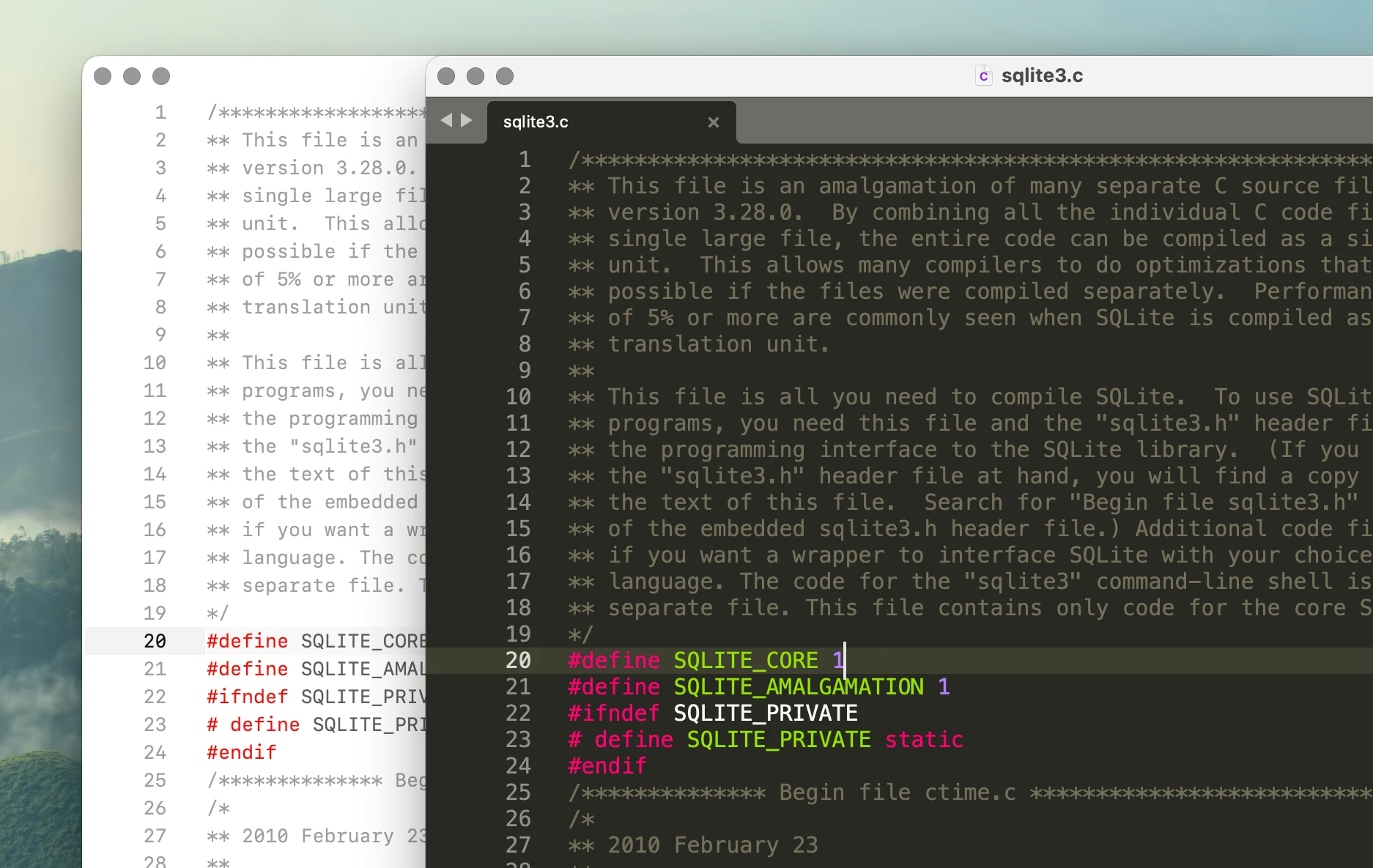
Koi
Koi is a native Mac text editor focused on low latency, large files, local AI, and simple document-based workflows.
Sublime Text
Sublime Text is a mature cross-platform text editor with Python scripting and a large package ecosystem.
| Koi | Sublime Text | |
|---|---|---|
| Cross-platform | Koi is Mac-only. | Mac, Windows, Linux. |
| Telemetry or tracking | None. | Yes |
| Local AI | Yes | Via packages. |
| Typing latency | Very fast: 16.6 ms. | Fast: 30.4 ms. |
| Large file editing | Usable through 20M lines. | Degraded at 5M lines, failed 10M. |
| Extensibility | Python scripting. | Python scripting and plugins. |
| Open source | Proprietary software. | Proprietary software. |
| One-time purchase | One-time purchase with lifetime updates. | No |
Performance
TL;DR
Koi measured about 1.82x faster than Sublime Text in typing latency.
At 5 million lines, Koi used 698 MB of memory and remained responsive. Sublime Text used 1.10 GB and did not pass the 10-million-line test.
In our tests, Koi measured a lower typing latency and remains usable with larger files. On a 753,821-line C file:
| Koi | Sublime Text | |
|---|---|---|
| Typing latency, p95 | 16.6 ms | 30.4 ms |
| Dual-pane latency, p95 | 16.4 ms | 32.2 ms |
The difference becomes more visible with multi-million-line files.
| Koi | Sublime Text | |
|---|---|---|
| 1M lines | 207.6 MB | 259.6 MB |
| 5M lines | 698.3 MB | 1.10 GB |
| 10M lines | 1.10 GB | - |
| 20M lines | 2.32 GB | - |
Koi continued syntax highlighting and editing through the 20-million-line test. Sublime Text met the benchmark requirements at 5 million lines, but did not become usable within the benchmark limit at the 10-million-lines test.
See Benchmarks for the test methodology, memory usage, raw measurements, and results from other editors.
Privacy
Koi does not make network requests during normal use. There is no telemetry, automatic update check, or background download of language servers or other tooling.
Sublime Text includes telemetry for reporting anonymous usage information such as computer specifications, startup time, installed packages, and edited file types. File names and contents are not included.
Sublime Text also makes network requests for update checks. These checks can be disabled.
| Koi | Sublime Text | |
|---|---|---|
| Account required | No accounts. | No |
| Telemetry | No telemetry. | Yes |
| Network requests during normal use | None. | Yes |
| Offline mode | Not needed. | No |
| Privacy policy document | Koi's Privacy Policy | - |
Sublime Text's Package Control adds additional network activity when installed. By default, it checks for package updates and submits aggregate package usage data.
Local AI
Koi includes local AI functionality directly in the editor.
Code completion can run continuously against a small local model through Ollama. Inline commands can also use local models without an account or API key.
Sublime Text does not include AI functionality in the core editor. AI integrations are available through third-party packages and external tools.
| Koi | Sublime Text | |
|---|---|---|
| Built-in AI features | Yes | No |
| Local model support | Yes | Via packages |
Koi treats local AI as part of the editor rather than an extension.
Language support
Both editors include broad syntax support out of the box.
Koi currently ships with 30+ built-in lexers. They are handwritten, maintained as part of Koi, and included with the application.
Sublime Text also includes syntax definitions for 30+ languages. Additional languages are available through Package Control.
Koi owns and maintains its lexer implementation directly.
Sublime Text uses declarative .sublime-syntax definitions and can add additional languages through packages.
See Lexer design in Koi for why Koi uses handwritten lexers.
Scripting
Koi exposes editor functionality directly to a user scripts file. A custom command can be as simple as:
@command("Word count")
def word_count():
    import re

    text = selected_text()
    count = len(re.findall(r"\b[\w'-]+\b", text))

    message(f"Word count: {count:,} words")
Save the script and run it.
Sublime Text has a mature Python API covering commands, views, windows, selections, completions, events, and other editor functionality.
| Koi | Sublime Text | |
|---|---|---|
| Python API | Yes | Yes |
| Custom commands | Yes | Yes |
| Edit and reload directly | Yes | Yes |
| Package manager | No | Yes |
Sublime Text has the larger extension ecosystem.
Koi keeps scripting closer to the editor. Personal commands don't need to become packages.
Pricing
Both editors are commercial software.
Koi is free for non-commercial use. A personal license is a one-time purchase and includes future updates for the lifetime of the product.
Sublime Text can be evaluated for free. A personal license includes three years of updates. After that, a paid upgrade is required to use newer versions.
| Koi | Sublime Text | |
|---|---|---|
| Free editor | Non-commercial use | Evaluation |
| Lifetime license | Yes | No |
| Paid cloud services | No | No |
| Open source | No | No |
| Pricing page | Koi's Pricing | Sublime Text's Store |
Benchmarks