Koi vs. Zed
Performance ⋅ Privacy ⋅ Local AI ⋅ Language support ⋅ Scripting ⋅ FAQ
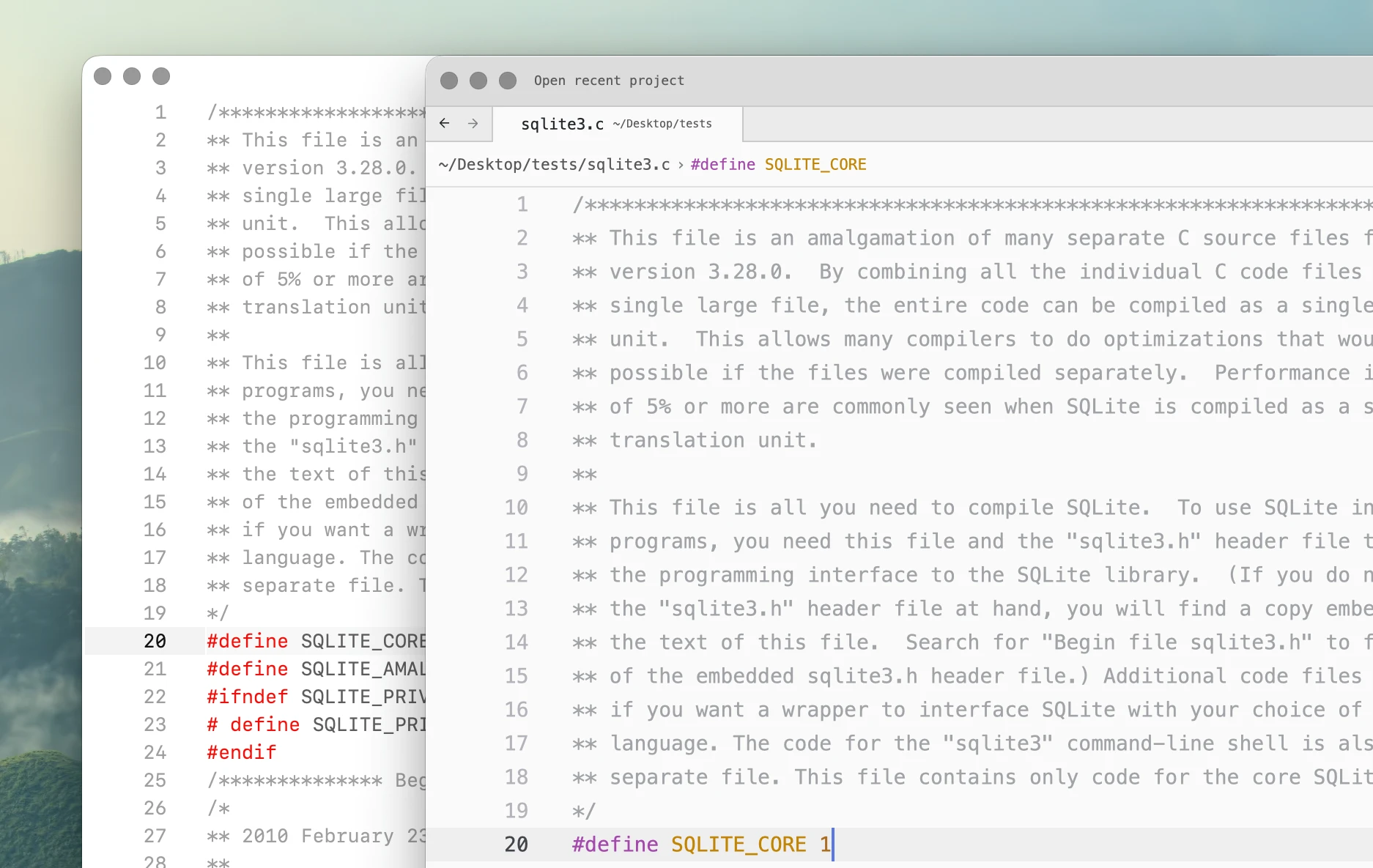
Koi
Koi is a native Mac text editor focused on low latency, large files, local AI, and simple document-based workflows.
Zed
Zed is a cross-platform code editor focused on projects, collaboration, agents, and integrated development tooling.
| Koi | Zed | |
|---|---|---|
| Cross-platform | Koi is Mac-only. | Mac, Windows, Linux. |
| Telemetry or tracking | None. | Yes |
| Local AI | Yes | Yes |
| Typing latency | Very fast: 16.6 ms. | Good: 57.3 ms. |
| Large file editing | Usable through 20M lines. | Degraded at 1M–5M lines, failed 10M. |
| Extensibility | Python scripting. | Capability-based extensions. |
| Open source | Proprietary software. | Yes |
| One-time purchase | One-time purchase with lifetime updates. | - |
Performance
TL;DR
Koi measured about 3.5x faster than Zed in typing latency.
At 5 million lines, Koi used 698 MB of memory and remained responsive. Zed used 13.53 GB, about 19x as much, and did not pass the 10-million-line test.
Koi deliberately does less work while editing. In our tests, this shows up most clearly in typing latency and large files. For example, using a 753,821-line C file:
| Koi | Zed | |
|---|---|---|
| Typing latency, p95 | 16.6 ms | 57.3 ms |
| Dual-pane latency, p95 | 16.4 ms | 70.0 ms |
The difference becomes larger with multi-million-line files.
| Koi | Zed | |
|---|---|---|
| 1M lines | 207.6 MB | 1.83 GB |
| 5M lines | 698.3 MB | 13.53 GB |
| 10M lines | 1.10 GB | - |
| 20M lines | 2.32 GB | - |
At 5 million lines, Zed used 13.53 GB total memory, compared with 698.3 MB for Koi, or about 19x more. The 10-million-line file did not become usable within the benchmark limit.
See Benchmarks for the test methodology, memory usage, raw measurements, and results from other editors.
Privacy
Koi does not make network requests during normal use. There is no telemetry, no account, no automatic update check, and no background download of language servers or other tooling.
Zed also works without an account, but usage metrics and crash reporting are enabled by default. Telemetry can be disabled.
Other features access the network independently of telemetry. Automatic updates are enabled by default and downloaded in the background. Language servers and other tooling can also be downloaded and updated automatically.
Zed does not currently have a single offline mode that disables all network activity.
| Koi | Zed | |
|---|---|---|
| Account required | No accounts. | Optional. |
| Telemetry | No telemetry. | Yes |
| Background downloads | No background downloads. | Yes |
| Network requests during normal use | None. | Yes |
| Offline mode | Not needed. | No |
| Privacy policy document | Koi's Privacy Policy | Zed's Privacy Policy |
Local AI
Both editors can use local models.
Koi is designed around Ollama and local models from the start. Code completion can run continuously against a small local model, with no account or API key.
Zed has first-class local model support through Ollama, LM Studio, llama.cpp, and OpenAI-compatible local servers.
This is an important distinction from editors where local AI exists only through third-party plugins.
Zed also has a much larger cloud AI surface. It supports hosted models, external agents, provider API keys, subscriptions, and local models.
Language support
Koi includes more languages out of the box.
Koi currently ships with 30+ built-in lexers. They are handwritten, maintained as part of Koi, and included with the application.
Zed currently lists 15 languages as built in. Other languages are provided through third-party extensions.
| Koi | Zed | |
|---|---|---|
| Built-in languages | 30+ | 15 |
| Built-in syntax system | Handwritten lexers. | Tree-sitter based. |
| Community language extensions | Not yet. | Limited. |
Zed's extension ecosystem provides support for many more languages overall. These are separate community projects with their own maintainers and release cycles.
See Lexer design in Koi for why Koi uses handwritten lexers.
Scripting
Koi uses Python as its extension mechanism. A custom command can be as simple as this.
@command("Word count")
def word_count():
    import re

    text = selected_text()
    count = len(re.findall(r"\b[\w'-]+\b", text))

    message(f"Word count: {count:,} words")
Save the script and run it.
Koi treats scripting as part of the editor, not as a plugin system. Python scripts can manipulate documents, call editor functionality, automate workflows, and use normal Python libraries.
There is no extension package or compilation step.
Zed uses a capability-based extension API. Extensions can add supported integrations such as languages, debuggers, themes, snippets, and MCP servers, but do not receive unrestricted access to the editor itself. Procedural extensions are written in Rust and compiled to WebAssembly.
FAQ
Is Koi faster than Zed?
In our macOS typing-latency benchmarks, yes.
Koi measured 16.6 ms P95 typing latency compared with 57.3 ms for Zed using a 753,821-line C file. See Performance or the full Benchmarks for the methodology and raw measurements.
Which handles large files better, Koi or Zed?
In our tests, Koi passed every tested size up to 20 million lines.
Zed passed through 5 million lines and did not pass the 10-million-line test. See Performance for memory usage and Benchmarks for the test criteria.
Does Koi support local AI?
Yes. Koi supports local models through Ollama, including continuous local code completion, without requiring an account or cloud service.
Zed also supports local AI, including local edit predictions and local models for its agent and inline assistant.
Does Koi collect telemetry?
No. Koi has no telemetry and makes no network requests during normal editing.
Zed enables telemetry by default. It can be disabled, but this does not disable other network activity such as automatic update checks and tooling downloads.
Zed does not currently provide a single offline mode that makes the editor network-silent.
See Privacy.
Is Koi open source?
No. Koi is proprietary software.
Zed is open source.
How do extensions work in Koi and Zed?
Koi does not use a conventional extension system. Instead, the editor is programmable with Python scripts that can manipulate documents, call editor functionality, add commands, automate workflows, and use normal Python libraries.
Zed uses a capability-based extension system. Extensions can provide supported integrations such as languages, debuggers, themes, snippets, and MCP servers, but do not have arbitrary access to the editor.
See Scripting.
Which platforms do Koi and Zed support?
Koi currently supports macOS.
Zed supports macOS, Linux, and Windows.
Is Koi or Zed free?
Koi is free for non-commercial use. Commercial use requires a license, with a personal license available as a one-time purchase with lifetime updates.
Zed's core editor is free and open source, with optional paid AI and business services.
Benchmarks