# Context-aware autocomplete
{ .image-clip .translate-20 }
{ .text-center .muted .my-5 }
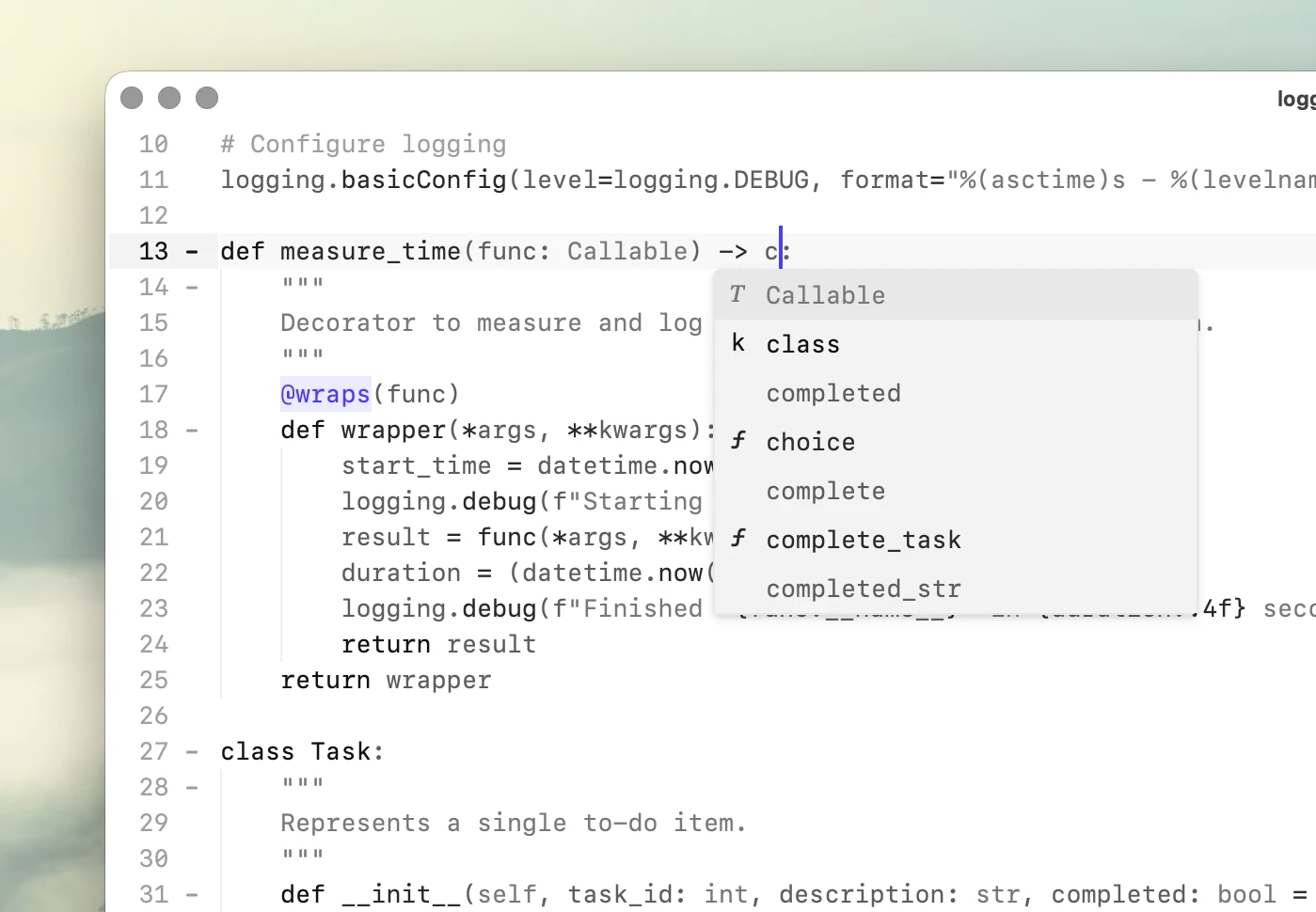
Unlike [code completion](/features/code-completion/), autocomplete doesn't generate text or require a model.
It finds words and identifiers that already exist in the current file.
## How it works
Koi maintains an index of the text you're editing and uses it to suggest identifiers, names, and other words from the document.
The file is indexed when it is opened and saved.
Modified lines are reindexed while you edit, so suggestions include unsaved changes.
As you type, Koi searches the index and ranks possible completions using fuzzy matching and the surrounding context.
**Autocomplete does not depend on a language server or language-specific index.**
It works with source code as well as ordinary text.
Matching suggestions appear in the autocomplete popup as you type.
### Context-aware matching
Autocomplete isn't limited to exact prefix matches.
Fuzzy matching can find words when you only remember part of a name or when what you've typed is close to an existing match.
When several suggestions match, words around the cursor help determine which suggestions appear first.
Because suggestions come from the document itself, project-specific identifiers, terminology, names, and repeated phrases naturally become available as you work.
## Accepting completions
Suggestions do not modify the document until you accept them.
By default, autocomplete uses the default key binding for newline.
This means ⏎return accepts a visible suggestion before inserting a new line.
If no suggestion is visible, the command behaves normally.
### Configuration
Autocomplete acceptance is attached to an existing editor command.
The default is `newline`, but it can be changed in the configuration.
accept_auto_completion
You can attach it to any editor command, for example Tab:
accept_auto_completion
Or on move to end of line:
accept_auto_completion
The key binding that triggers the command can therefore accept an autocomplete suggestion while retaining its normal behavior when no suggestion is available.
## Autocomplete vs. code completion
| | Autocomplete | Code completion |
|:----------------------|:--------------|:----------------------|
| Source | Current file | AI model |
| Generates new text | No | Yes |
| Model required | No | Yes |
| Works offline | Yes | Yes, with local model |
Both can be enabled at the same time, providing document-based suggestions alongside generated code completion.